From 1Password to Apple Passwords
I have been a loyal customer of 1Password since 2013. It has served me well and I never really looked into the alternatives. I didn’t mind occasionally paying for an upgrade to the newer version, or even switching to a subscription model a few years ago.
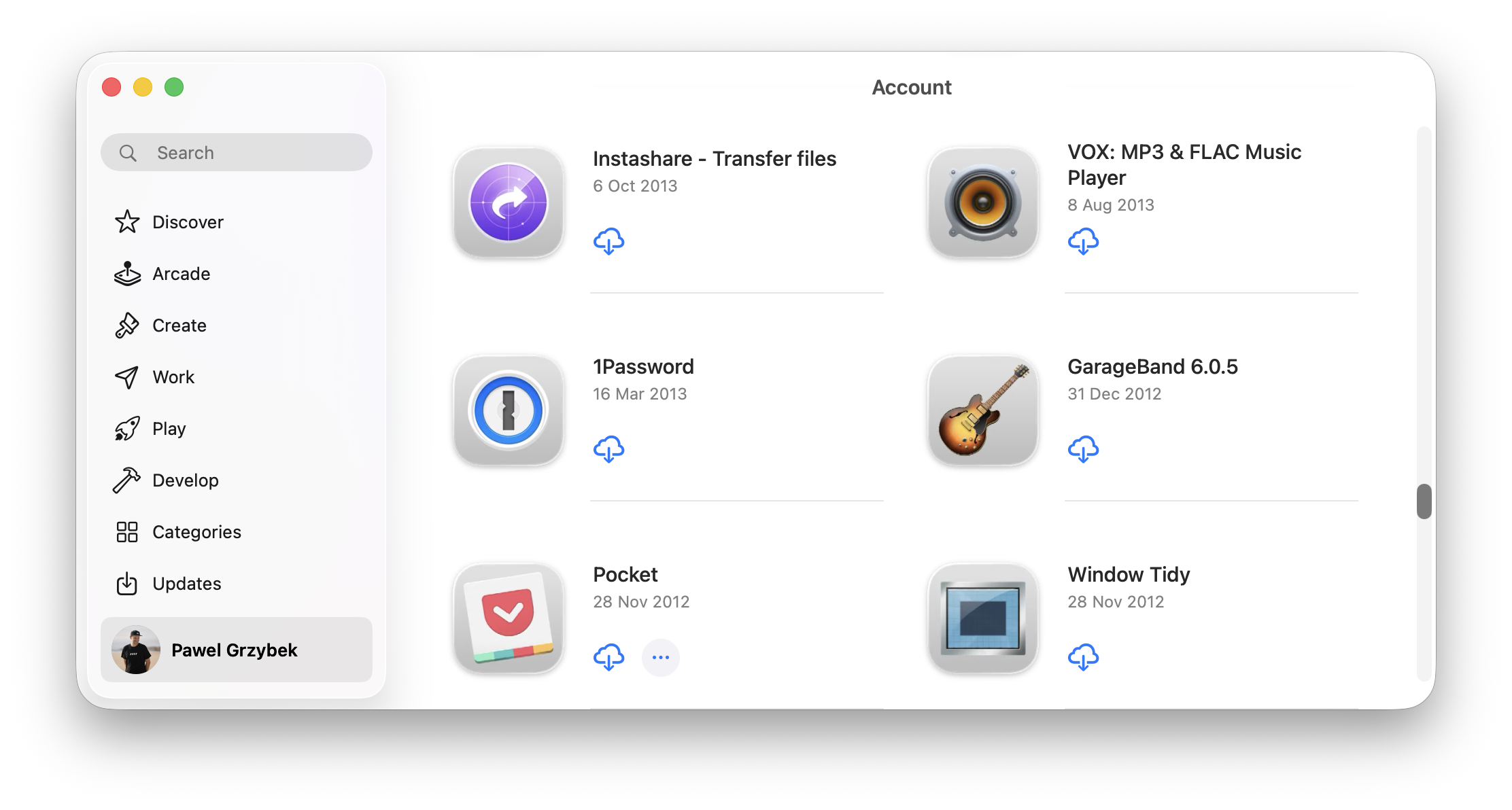
In recent years though, my list of frustrations with 1Password was growing. It all started when 1Password migrated from the native build to the Electron version for the desktop app. Things became sluggish. Not slow, but not natively fast. The browser extension became unreliable as well (random locks, syncing delays and unpredictable auto-fill), but I had no choice other than to keep using it. The app, from being a simple, super-fast and very reliable piece of software, became bloated and buggy eye candy.
Generating strong passwords and keeping them safe is all I expect from a password manager. I got it 13 years ago, so I care very little about the long list of new features in the changelog of new versions. The most recent “upgrade” to the app caught my attention and inspired me to switch.
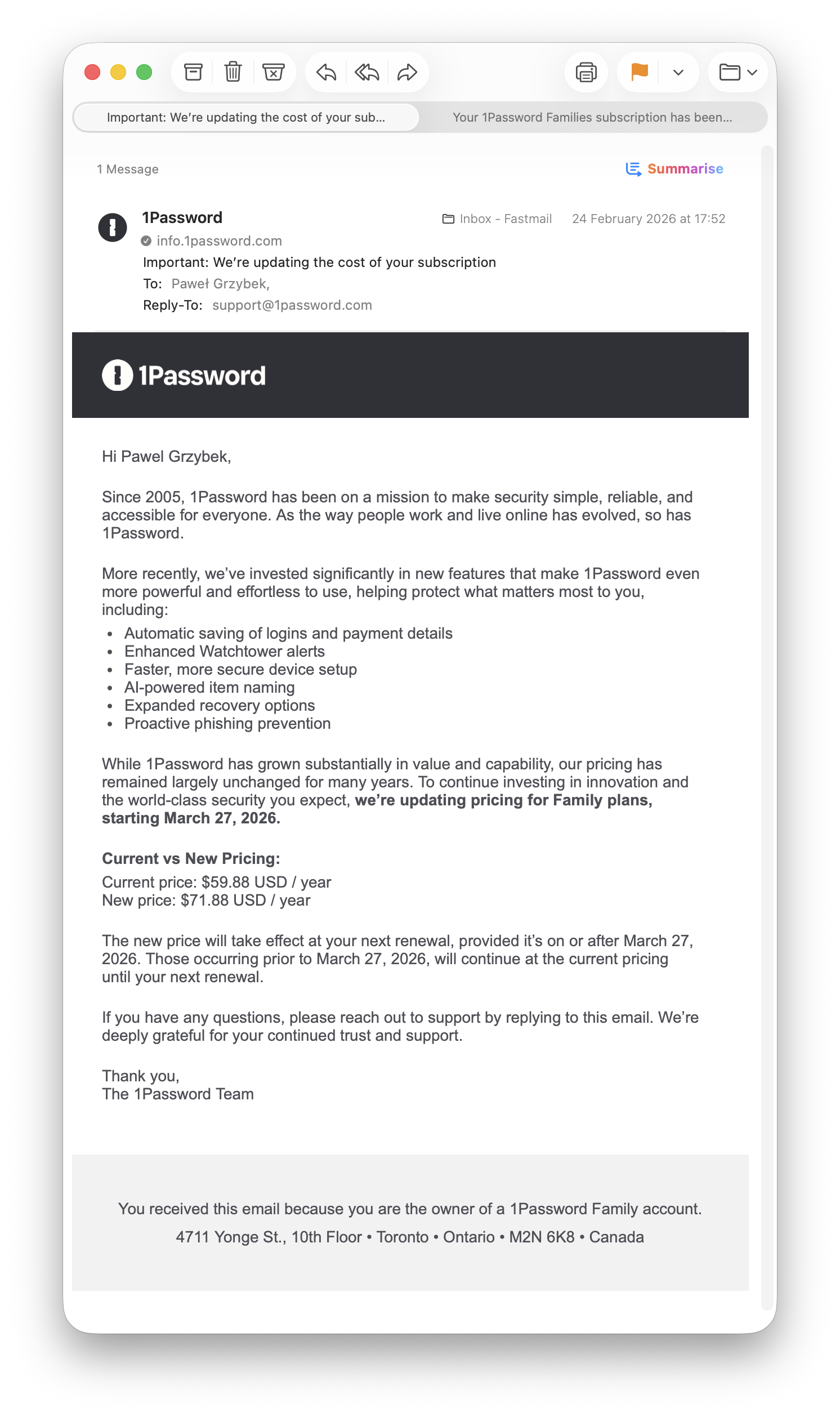
The price bump is fair, I don’t blame them in the current economics. The “AI-powered item naming” feature though, is precisely the kind of feature I don’t want in my password manager. I can only envision the future direction of the company, that adds AI bloat where it’s not needed. I’m tired of this!
Why Apple Passwords
The list of alternatives is huge, but I like defaults. At this point I’m so locked into the Apple ecosystem that locking myself into it even more is not a concern any more, just a risk I accepted long ago. Apple Passwords is free.
I have seen stories of folks who have been locked out of their Apple iCloud accounts. Losing all the photos and contacts can be super sad, but losing all the passwords sounds like a freakin’ disaster to me. Years ago I started doing occasional backups of everything I care about, so now passwords are going to be included as well. I keep them encrypted on two physical drives and I hope I will never need to use them.
Good & bad
I have been using Apple Passwords for a few days now, and I have some thoughts, things I like and dislike. I also have some side notes that are neither good nor bad, but worth keeping in mind if you’re going to pursue a similar move. I like lists, so here you go, three lists!
Good:
- Apple Password is the stock app that comes pre-installed
- Instant boot up
- Auto fills are super fast, way faster than 1Password
- Minimalistic and familiar look
- Shared groups are way more powerful than 1Password vaults and don’t require any additional plans or family setup
Bad:
- No tagging system, something I used heavily on 1Password
- Limited categories to Logins and Wi-Fi networks, so you must find an alternative place for secure notes, software licences and documents (I used password-protected Apple Notes)
- Setting up OTPs (one time passwords) works better in 1Password that can auto-detect the QR code on the screen
Keep in mind
- Migration from one app to the other migrates only usernames, passwords, OTPs, and notes, leaving behind all the custom fields and the most important passkeys, so there is some extra manual work needed for the full migration
- The workflow changes a little bit, so I would suggest doing the migration as soon as possible, not the day before your 1Password plan expiration
All done
There are some missing features of Apple Passwords that I hope are going to be added in future OSs, the pros outweigh the cons of this migration for me. I totally understand that this is not for everyone and there are still concerns that I didn’t even mention (Windows/Linux compatibility or 1Password specific features like vaults travel mode just to name a few). I just hope someone who is considering a similar swap may find it useful.
Thanks for this post as I’m working though the same issues right now. After more than a decade I’m done with 1Password.
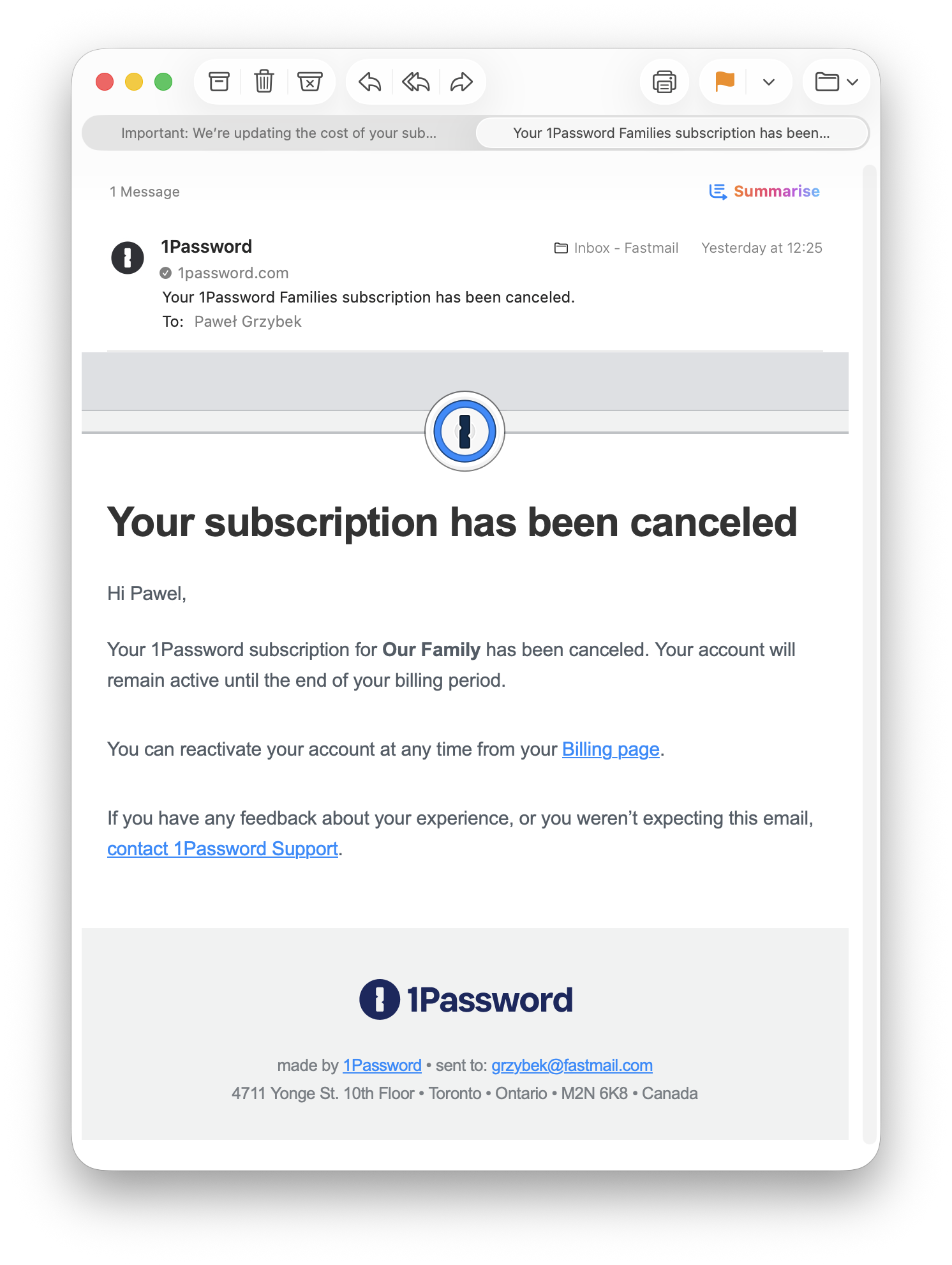
Made this switch a year or so ago and it's been mostly fine. It's probably worth mentioning that at least for me, when I canceled our 1Password family account, the data remained accessible in a read only mode(and still is). Wouldn't rely on this being available forever, but it's nice to have that around if you missed moving something.
This is super important, and thanks for mentioning that here. I will probably pick up part of your comment and include it in the post, as this really is reassuring for everyone who considers giving it a go.
Good to hear. Maybe some of the points above will help you out. Good luck and let me know your opinion after a few days of use after the migration.
Found this from Hacker News! A really good post to read.
Do you have a recommendation for hybrid devices? Currently, I use both Apple and Android devices.
Right now, I use Bitwarden to store all my passwords. It sometimes doesn't even load the password correctly. Makes it useless for some moments 😅
Thanks for your kind words. Unfortunately, as I mentioned in this post, I use only Apple devices. I'm so sorry, but I'm helpless when it comes to multi-OS workflows. Intuition tells me, though, that if you really want to keep your workflow smooth, I would go with an independent app like Bitwarden.
I switched to the paid version of Bitwarden a few years ago and it's really good.
I deleted 1P after they got big founding few years ago.
It's always bad sign and I guess it's now visible in 1P.
They were also forcing telemetry few years ago, which is a big no no for me.
Hi there, thanks for your nice blogpost...! Thinking about to switch too. But I'm not sure where to go (Apple Passwords or Bitwarden/Vaultwarden).
I do have two things:
1. 1Password Travel Mode is only marketing speech and useless, as even when it is enabled everyone checking at border control (that's what the travel mode is for) can go into 1PW extension > settings > integrations > manage integrations > manage and is fully logged in into your web management vault from 1PW and can change everything. So it's kind of a joke
2. You're mentioning your defaults but they look really outdated. You say that you use 1Password and Fastmail. Both you don't use anymore... And maybe other things also need to be updated.
Thanks again for the article.
Hey, thanks for reading.
Regarding your second point about the dated defaults. I linked to the post from 2023, so it is absolutely fine that some things are out of date. The title says it all: "My defaults 2023". You inspired me, though, to publish a 2026 version of it, which is going to land today. Thanks!
I keep seeing folks mention that they need to find another place for secure notes and I wonder what’s wrong with the notes field in Apple Passwords? Just ignore the autogenerated password. I’m not following what’s special about 1P Secure Notes.
I never considered this option. Feels a little bit like a hack tho, and password protected Apple Notes work better for me.
I too have dropped 1Password and migrated to Apple Passwords. I use that entirely now, and for the stuff that it does not take - secure notes, credit cards and so on - I store it in Uplock. (Credit cards however is already in Wallet app.) So if you haven't tried Uplock, give it a go. I don't know if they offer a trial period though. I wrote an article on 1Password, Apple Password and Uplock some time ago on Medium. Link to free reading here: https://medium.com/macoclock/apple-passwords-and-uplock-might-replace-1password-or-not-f34de19225f5?source=friends_link&sk=ab42084627e62f131ea5aa28683031f0
I’m migrating from LastPass (paid) to Apple Passwords. Same train of thought. Thank you for sharing, it really does help seeing others going through the same.
Ooo hey. Nice, good luck with the migration. Also, nice blog Martin!